Accessibility problems become expensive when teams discover them at the end of a federal software project. By then, the code may be complete, the release date may be fixed and several connected components may need rework.
That is why GSA’s August 11, 2026 update to the Solicitation Review Tool matters to development teams. The update goes beyond acquisition workflows. The tool helps agencies generate tailored Section 508 language for draft solicitations and check published solicitations for missing or incomplete accessibility requirements.
The update does not create a new accessibility standard. Instead, it improves how agencies identify and communicate existing Section 508 requirements during acquisition. For contractors, clearer solicitation language makes it more important to carry those requirements through design, development, testing and delivery.
In this blog, we explain how federal software teams can translate Section 508 requirements into user stories, acceptance criteria and testing activities. We also show what evidence teams should keep before delivery.
The Solicitation Defines the Requirement. Development Must Deliver It.
GSA’s updated Solicitation Review Tool can determine whether an acquisition involves information and communication technology or ICT. For draft solicitations, the tool generates Section 508 language tailored to the technology being procured. For published solicitations, it checks whether the solicitation includes required accessibility language.
Contractors should not leave accessibility in the proposal or compliance document phase after award. Once teams accept the requirements, they should identify the affected features and assign implementation ownership. They should also define the tests and evidence needed to demonstrate conformance.
Translate Accessibility Requirements Into User Stories
A requirement such as “conform to applicable Section 508 standards” is too broad for day-to-day development. Developers still need to understand how that requirement affects a login screen, data table or document upload workflow.
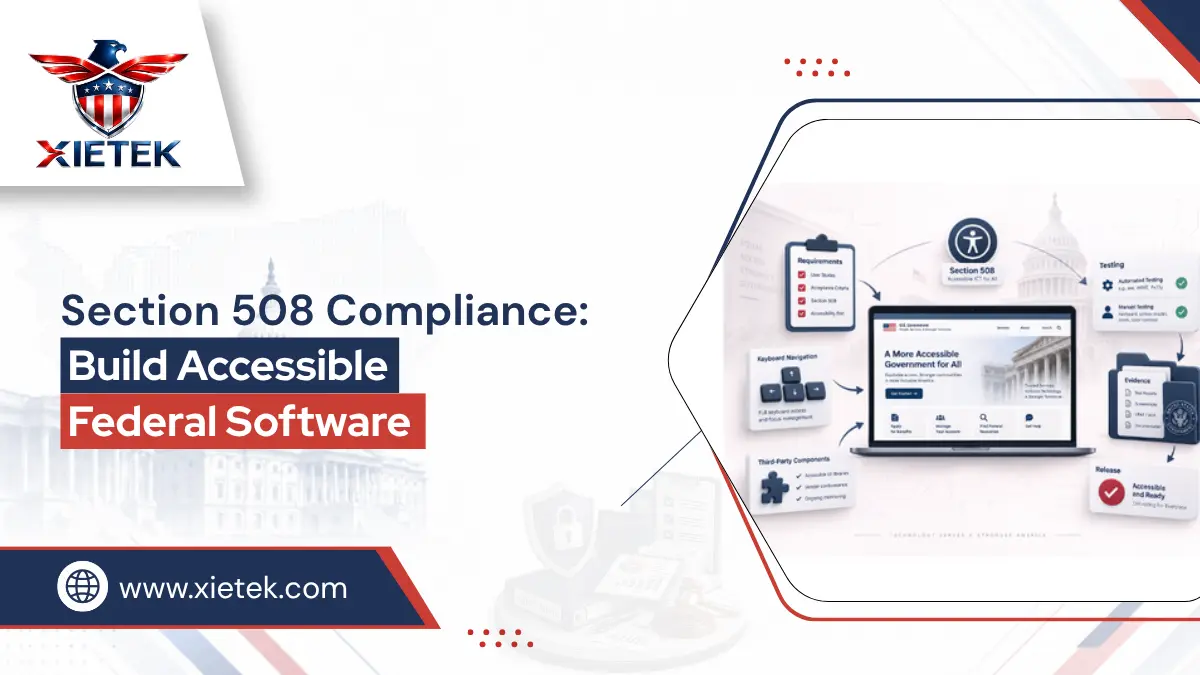
GSA’s Sample User Stories for Accessible ICT shows how teams can turn requirements into practical development tasks. A keyboard user may need to reach and activate controls without becoming trapped. A screen reader user may need the application to communicate names, roles and states correctly. User stories turn broad accessibility language into expected behavior that developers and testers can implement and evaluate.
Make Acceptance Criteria Testable
Every accessibility-focused user story should include acceptance criteria that tell the team when the work is complete. Instead of writing “form is accessible,” define conditions that testers can observe.
For example, require keyboard operation, logical focus order, correctly associated labels and understandable error messages. Each criterion should connect an accessibility requirement to a specific test. This approach creates traceability between the requirement, feature and evidence.
Agile teams can also include accessibility in their definition of done rather than treating it as a separate task at the end of development.
Use a Repeatable Conformance Testing Method
Automated accessibility tools are useful, but they cover only part of the Section 508 Standards. GSA’s ICT accessibility testing guidance explains that many requirements depend on context and human judgment.
Development teams should combine automated checks with a documented and repeatable manual conformance process. Assistive technology testing can then help evaluate usability and complete user flows. However, teams should not use assistive technology as the only basis for determining conformance.
Screen readers and other assistive technologies can reveal important user experience problems. In some cases, however, those technologies may compensate for software that does not fully conform to accessibility requirements. Structured manual testing therefore remains essential.
Test Complete User Flows, Not Only Screens
A page can pass several accessibility checks while the overall task still fails. A user might open a form successfully but encounter an unclear error, inaccessible date picker or confusing confirmation step later in the process.
Contractors should test workflows that matter to program delivery. Examples include signing in, completing a request, uploading a document, approving an action or generating a report. Testing complete workflows helps teams find problems that isolated component checks may miss.
Include Third-Party Components in the Accessibility Scope
Federal applications rarely consist entirely of custom code. Development teams often use commercial libraries, open-source components, embedded widgets, authentication tools or charting packages.
GSA’s testing guidance covers COTS, open-source and custom-built ICT. Contractors should evaluate important third-party components before adoption. Teams should also record known accessibility limitations and retest important components after major updates. A vendor component should not become an accessibility gap simply because the internal development team did not create it.
Give Teams Time to Correct Accessibility Defects
Testing accessibility immediately before delivery creates a predictable problem. Teams discover defects when they have the least time to change components, redesign workflows or complete regression testing.
A stronger development process includes accessibility checks during design reviews, development sprints, component testing and pre-release validation. Teams can then identify critical accessibility defects early enough to correct and retest them. Earlier testing gives developers more options and reduces the risk that accessibility problems will delay delivery.
Connect Each Requirement to Evidence
Saying an application is “Section 508 compliant” provides less assurance than showing how the team evaluated applicable requirements. In technical documentation, describing conformance with applicable Section 508 standards provides greater precision. For each applicable requirement, record the affected feature, implementation owner, test method, result and remediation status. Useful evidence may include test reports, tested software versions, defect records and retest results.
When a third-party component has a known limitation, document the issue and explain how the project addressed it. This traceability helps project managers answer four important questions:
What requirement applied?
Who owned the work?
How did the team test it?
What evidence confirms completion?
Section 508 Requirements-to-Testing Checklist
Use this checklist to connect accessibility requirements to implementation and evidence:
1. Requirement: Identify each applicable Section 508 or contractual accessibility requirement.
2. Feature: Map the requirement to the screens, workflows, documents or components it affects.
3. Owner: Assign responsibility to the developer, designer, content owner or other accountable role.
4. User story: Describe how a user with an accessibility need must be able to perform the task.
5. Acceptance criteria: Define measurable conditions that determine when the feature is complete.
6. Test method: Identify the automated and repeatable manual testing required.
7. Usability check: Use assistive technology where appropriate to evaluate real user flows.
8. Third-party dependency: Record external components and known accessibility limitations.
9. Defect owner: Assign each accessibility failure to someone responsible for correcting it.
10. Retesting: Test corrected defects again before closing them.
11. Evidence: Keep results, tested versions and documentation that support completion.
12. Release decision: Confirm that teams completed required conformance testing and critical remediation before delivery.
An applicable accessibility requirement should not reach delivery without an owner, a test method and evidence showing how the team addressed it.
Bottom Line
GSA’s updated Solicitation Review Tool improves how federal buyers identify and communicate Section 508 language. For software contractors, successful accessibility still depends on what happens after those requirements enter the project.
Dependable federal delivery connects accessibility requirements to user stories, acceptance criteria, implementation, conformance testing and evidence. Integrating accessibility into normal development and quality assurance also gives teams more time to correct defects. This approach can reduce customer issues, delivery delays and expensive rework.
Frequently Asked Questions
No. The August 2026 update improves how agencies generate and review Section 508 language in solicitations. It supports existing accessibility requirements rather than creating a new standard.
No. Teams should include accessibility throughout requirements, design, development and testing. Waiting until final acceptance increases the risk of expensive remediation.
No. Automated tools provide only partial coverage. GSA recommends a repeatable manual testing approach, with automated tools supporting that process.
Yes. COTS, open-source and custom-built components can affect the accessibility of the final application. Contractors should include relevant components within the testing scope.
No. Screen reader and other assistive technology testing can reveal usability problems, but teams should not use them as the sole method for determining conformance.
Build Accessibility Into Federal Software Delivery
XieTek LLC provides Web & Software Development Services across the software lifecycle. Our process connects requirements, design, implementation and quality assurance. We help organizations build secure, scalable and accessible digital solutions while considering testing and maintainability throughout development.
Need accessibility requirements carried through development instead of checked at the end? Contact XieTek LLC to discuss development support for dependable federal applications.